
Configuration & Project Support
Remote Support Preparation
Collect clear symptoms and machine information so a support enquiry can be assessed and routed to the right next step.
On This Page
Machine operating and fault review
Our remote-support process starts with the machine identification, installed configuration and operating conditions at the time of the fault. The displayed message, sequence of events and recent changes to product, film, settings or components help locate the affected process. Clear photographs and video taken under safe operating conditions support the review. The case record connects each proposed action with the machine documentation and the observations returned by the operating team.
Share evidence safely
Existing logs, photos or video are fine, as long as they are taken from a safe position under the applicable operating rules. Never bypass safeguards. Never recreate an unsafe condition to get footage. Remove unrelated personal or confidential information before you share files. The support team can tell you which records are useful, so you don't need to send a large unstructured collection.
Agree the next action
Remote review may turn up a documentation question, a need for more information, or a requirement for qualified local inspection. Confirm availability, communication method and any cost first. Set the support arrangements around the machine reference, available records and work required at the site. Record the agreed action and the responsible person against the machine reference.
Describe the event as a sequence rather than a conclusion
A remote-support enquiry is easier to assess when it explains what happened before, during and after the observed issue. Identify the equipment and configuration, the product and packaging in use, and the operation underway when the behaviour appeared. Give the exact displayed message where you can. Keep the description factual: what the operator saw, what the machine did and what normal result was expected. A guessed component failure can hide the evidence.
Say whether the issue is repeatable. Say whether the machine was stopped under the applicable procedure. Mention recent changes to product, film, pouch supply, recipe or maintenance work. If the behaviour started after one of those changes, record the link without calling it a proven cause. The first goal is a coherent case record that the responsible team can review. One sentence saying it does not work diagnoses nothing.
Gather a small, organised evidence package
Prepare the machine identification and the relevant configuration or order reference. Add existing logs, screenshots of messages and photographs showing the affected area from a safe position. Label each file with its event or run. A few clearly identified files are often worth more than a large folder mixing different dates, materials and machines. If the photographed state differs from the state when the issue first occurred, explain the difference.
Video can show a sequence, but only when it can be shot safely under the site's rules. Never recreate an unsafe event, defeat a safeguard or approach moving equipment to get a clearer recording. If no suitable footage exists, say so and ask what other evidence would help. Strip unrelated personal or confidential information from shared material, and confirm the communication method before sending large files or records outside the relevant project discussion.
Include the checks already performed
List the actions already taken, who performed them and what was observed. Keep ordinary operator actions apart from work done by qualified maintenance personnel. If a component was replaced or a recipe changed, give the earlier and current reference where available. A record like this stops people repeating an intervention that failed, and it shows whether the installed condition still matches the approved configuration.
An unverified adjustment is not a repair just because the symptom went away for a while. Say how long the machine ran afterward and which materials were used. If the fault returns only after replenishment or a format change, say so. A remote reviewer needs the current condition and the history behind it. Incomplete but accurate information beats a seemingly complete story built around a diagnosis nobody has established.

Define the question and evidence for remote review
A remote exchange may resolve a documentation question, clarify a configuration reference, identify the information needed for a further technical assessment, or show that qualified local inspection is required, and the right next step depends on the evidence and the nature of the issue. Our team reviews the machine identity, fault record and available observations to define the next technical action and any qualified inspection needed at the site.
Before arranging a session, confirm availability, participants, communication method and any cost. Identify the person at the site who can report the observations and coordinate authorised local work. Keep language and documentation needs in view. A well-prepared session has a defined question and the necessary records on hand. A poor one starts by trying to rediscover the machine identity or find the current drawing while production staff wait.
Keep proposed actions connected to the approved procedures
Any physical work must follow the applicable equipment instructions and the site's authorisation requirements. Remote guidance does not replace qualified personnel where the task requires them. If an instruction or requested observation is unclear, stop the action that depends on it and get clarification through the agreed support channel. Real-time communication is no excuse to improvise a procedure or override a protective function.
Record each agreed action and its purpose before moving on. Where the approved procedure permits, change one relevant condition at a time and capture the result. If several changes cannot be avoided, document them together so the limits of the diagnosis stay visible. A support case should keep the reasoning and observations behind a recommendation. Later reviewers get a usable history.
Close the case with a clear status
Summarise the observed issue, the evidence reviewed and the action agreed. State whether the result resolved the defined question, needs monitoring under a specified procedure, or stays open pending more information. Keep confirmed facts apart from suspected causes and proposed improvements. For a proposed replacement part, sample trial or site visit, record availability, scope, responsibilities and the agreed commercial arrangements with the next action.
Store the support record with the equipment documents, and update the configuration history when an approved change is made. Tell the responsible site team the practical outcome, so another shift does not repeat an obsolete procedure. A complete enquiry improves the next decision even when the issue cannot be fixed remotely. The record should identify the machine and event precisely, show how the evidence was collected safely and state the documented next action.
Keep one current case record
Use a single case reference for follow-up files. Label each update with its date and observed condition. When another shift adds information, keep the earlier account and note what changed. This simple habit makes the exchange easier to review. It also stops separate events that produce a similar machine message from being confused.
Explore the Equipment
Sauce Sachets
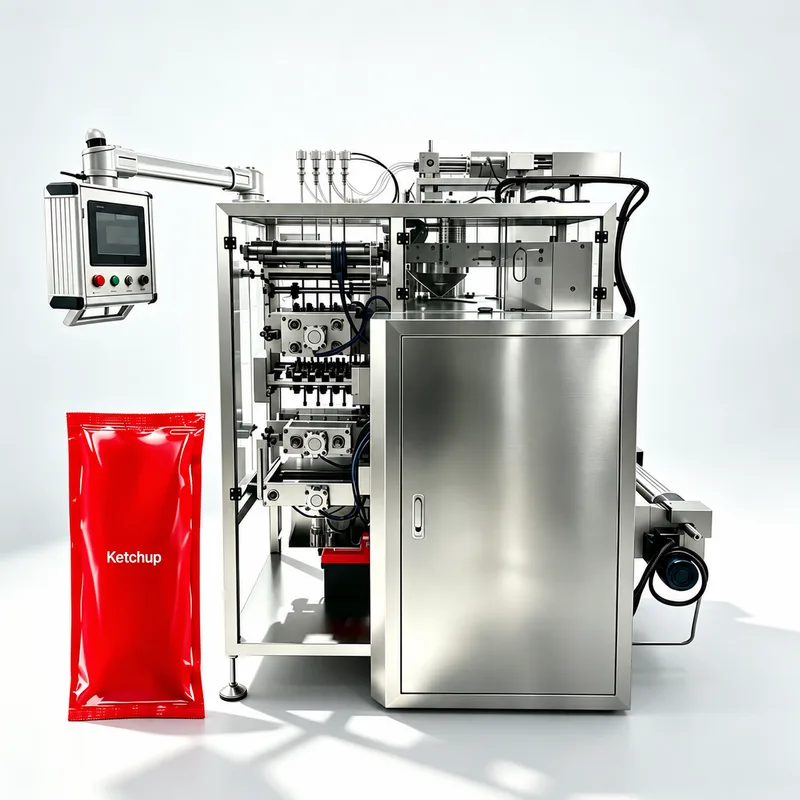
Sauce Four-Side-Seal Sachet Machine
Sauce strings or drips can contaminate the seal area, leading to leaks and rejected sachets. Specify this piston-dosing four-side-seal machine from your sauce, portion, sachet drawing and film.
Premade Pouches
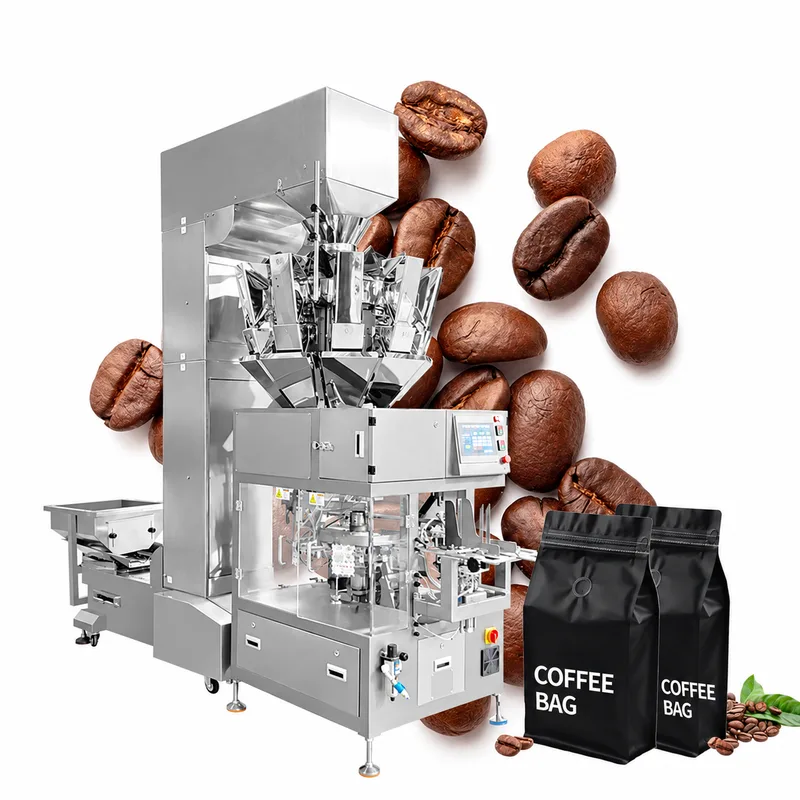
Coffee Bean Doypack Packaging
A valve or zipper too close to the pouch mouth catches beans and spoils the seal. Size this premade doypack line for coffee from your actual pouch, bean condition and fill weights.
What to send us
| Item | Why we need it | Example format |
|---|---|---|
| Machine identity and exact observed symptoms | Identify the evidence or open question for this review point. | Labeled requirement with its unit and a photo, drawing or measurement reference; identify any measurement still needed. |
| Fault messages and recent changes | Identify the evidence or open question for this review point. | Labeled requirement with its unit and a photo, drawing or measurement reference; identify any measurement still needed. |
| Safely collected supporting records | Identify the evidence or open question for this review point. | Labeled requirement with its unit and a photo, drawing or measurement reference; identify any measurement still needed. |
| Contact time zone and agreed support scope | Identify the evidence or open question for this review point. | Labeled requirement with its unit and a photo, drawing or measurement reference; identify any measurement still needed. |
Our team reviews the product, package and configuration requirements.